



22Bet App
The 22Bet App brings the full betting and casino platform straight to your phone. It’s built for speed, simplicity, and everyday betting on the go. Download for iOS
  Download for Android
 Mobile betting has become the preferred option for many Nigerian players, and 22Bet has adjusted its platform to match that shift. Instead of limiting features on mobile, the brand offers a complete experience across its app, mobile browser, and app-style web version.
The 22Bet mobile setup lets you place sports bets, play casino games, join live events, manage payments, and access support all on one screen. Whether you install the app or use the mobile website, the layout stays familiar and easy to navigate.
For players who value speed, flexibility, and control, the 22Bet application delivers a practical mobile betting solution that works well on everyday smartphones.
Play at 22Bet with the Mobile App for Android
Android users in Nigeria have the most flexibility when using the 22Bet app. The platform is available as a direct APK download and also works as a PWA (Progressive Web App), mainly because Google Play places restrictions on real-money betting apps.
The APK version is the most common choice for players who want a full app-style experience without relying on app stores, while the PWA suits those who prefer not to download anything but still want an app-like feel on mobile.
How to Download and Install?
To download 22Bet app on Android using the APK method:
- Open your mobile browser and visit the official 22Bet website
- Scroll to the mobile section and select “Android” to download 22Bet APK
- Open the downloaded file and follow the installation steps
- If prompted, allow installation from unknown sources in your phone settings
- Launch the app, log in, or register a new account
The process takes only a few minutes, and the file size is light enough for most phones. If you prefer the PWA option, then simply open the 22Bet website in your browser, tap the menu (three dots) or the share icon in the top-right corner of the screen, and select Add to Home Screen. This creates an app-style shortcut that opens in full-screen mode and works like a regular app without a download.
Compatible Devices
The 22Bet APK works smoothly on most Android smartphones used in Nigeria, including budget and mid-range models. Minimum requirements usually include:
- Android 10.0 or higher
- 150 MB of free storage space for app install and updates
- Minimum 2 GB of RAM
- Stable internet connection
We tested the app on several popular Android brands, and phones from these brands/series stood out as the most compatible:
- Samsung Galaxy series
- Tecno and Infinix smartphones
- Xiaomi and Redmi models
- Oppo and Realme devices
Download the Mobile App for iOS
Apple users have two ways to access the 22Bet app on their mobile devices. The platform is available through the Apple App Store and also supports PWA installation for players who prefer browser-based access with an app feel. Both options give access to the same markets, casino games, and account features.
How to Download and Install?
For App Store installation:
- Open the App Store on your iPhone
- Search for “22Bet”
- Download and install the app
- Log in or register and start playing
When downloading from the App Store, it’s important to make sure you’re installing the official app. Check that the developer is listed as Arcadia Hospitality Limited to avoid fake or copycat apps. If you’re unsure, the safest option is to visit the 22Bet website and tap the App Store link from there, which takes you directly to the correct App Store page.
For PWA installation (no App Store needed):
- Open Safari and visit the 22Bet website
- Wait for the page to fully load
- Tap the Share icon
- Select “Add to Home Screen”
- Confirm by tapping Add
This creates an app-like shortcut on your phone that opens in full-screen mode.
Compatible Devices
The 22Bet iOS app is compatible with the following Apple devices:
- iPhone models running iOS 14.0 or later
- iPad devices running iPadOS 14.0 or later
- iPod touch running iOS 14.0 or later
- Mac devices with macOS 12.0 or later (Apple Silicon)
- Apple Vision devices running visionOS 1.0 or later
- 250 MB of free storage space is required to install the app
Is the 22Bet App Download Worth It?
The 22Bet app focuses on practicality rather than visual flair, and that shows in how smoothly everything works on mobile. Navigation is straightforward, with clear access to the pre-match sportsbook, live betting, and the casino, so you’re never digging through menus to find markets or games.
Placing bets feels simple and controlled. One-tap bet slip management, real-time odds updates, and quick switching between pre-match and live betting make the app easy to use, even during fast-moving games. 22Bet live streaming is integrated directly into the app, allowing you to follow matches and place in-play bets without interruptions.
To maintain performance on mobile, the app automatically adjusts how content loads based on your connection. When internet speed drops, lighter versions of games and betting interfaces are used to reduce data strain. This helps keep markets accessible, avoids unnecessary reloads, and keeps gameplay stable during live betting or casino sessions, even on slower or fluctuating networks.
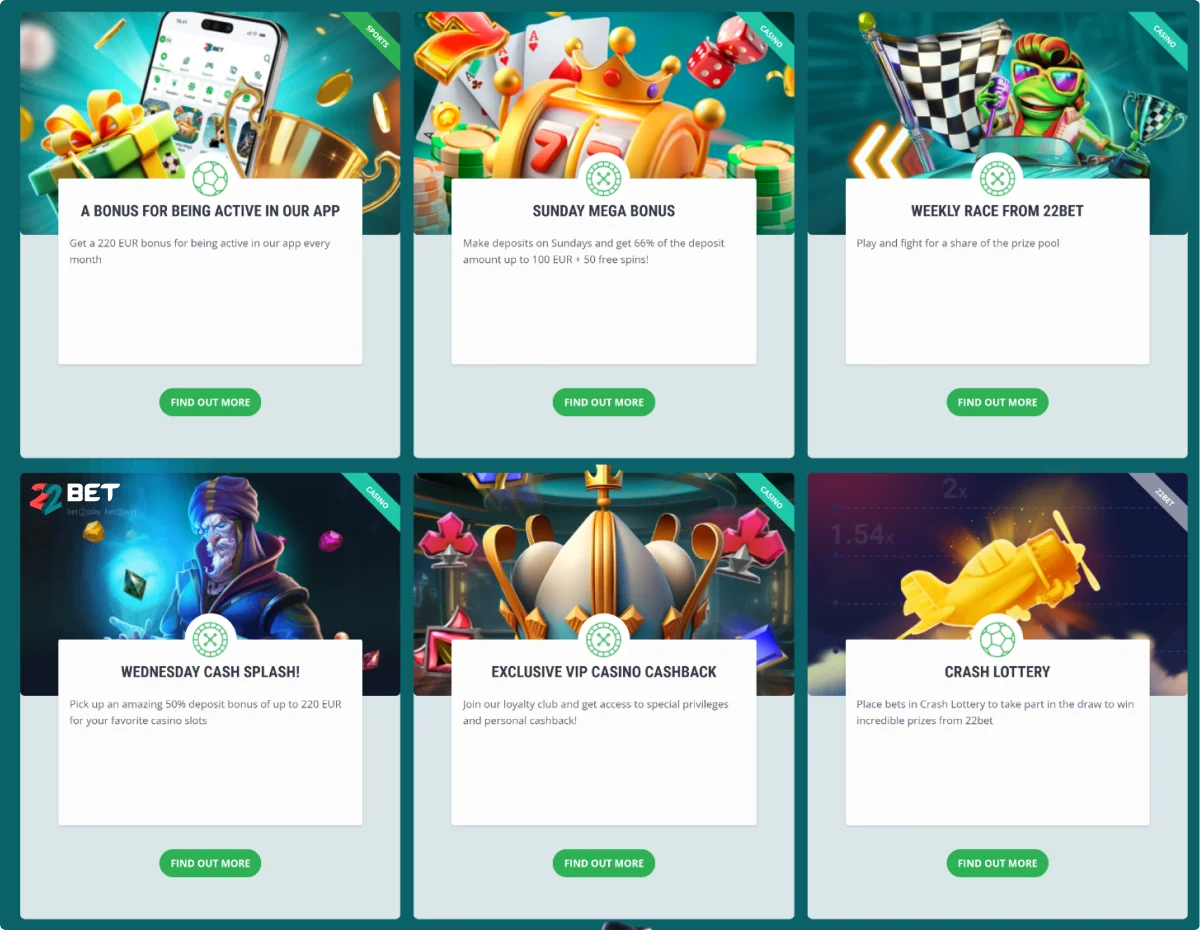
Security and accessibility are also strong points. Payments are protected through secure channels, account settings are easy to manage, and the experience stays consistent across Android, iOS, and PWA. To encourage mobile use, 22Bet promotes the app with incentives, including a bonus of up to €220 (or equivalent in NGN) available to players who join and play through the app.
Registration Process via the 22Bet App
Creating an account through the 22Bet app is quick and straightforward, with several registration options available depending on how much information you want to provide upfront.
You can complete a full registration by entering your personal details, including name and address, or choose a faster option using your phone number or a supported social login. Both quick methods let you start using the app immediately, while full registration may reduce steps later during verification.
Here’s how it works:
- Open the app or PWA
- Tap “Registration”
- Choose phone number, one-click social login, or full registration
- Select Nigeria as your country and NGN as currency
- Set a password and confirm terms and conditions, including age eligibility
- Submit the form
Once registered, your account becomes active right away. You can deposit, claim 22Bet bonuses, and place bets or play casino games. If you register using phone or social login, you’ll need to complete your profile details on your first login by adding personal information through the account dashboard.
For withdrawals, identity verification is required. This is done by uploading valid ID documents directly from your account area in the app. For added security, it’s also recommended to enable two-factor authentication and device binding, which helps protect your account from unauthorised access.
RegistrationPlay with the 22Bet Mobile Website Version
Not every player wants to install an app. For that reason, 22Bet offers a fully functional mobile website that delivers the same core betting and casino experience through your browser. No download is needed. Just visit the site, log in, and play.
The mobile site works on:
- Chrome
- Safari
- Opera
- Firefox
The mobile website includes:
- Full sportsbook access
- Casino and live casino games
- Account management tools
- Promotions and bonuses
- Payment options
In addition to the mobile site, 22Bet also offers a PWA for players who want an app-like experience without installing an app. The PWA opens in full-screen mode from your home screen and works as a simple alternative to both the APK and the mobile website.
For quick sessions or phones with limited storage, these options work perfectly.
Mobile Games
The 22Bet casino app gives Nigerian players access to thousands of mobile-friendly games. All games adjust automatically to screen size and orientation.
You’ll find:
- Slots from popular providers
- Table games like blackjack and roulette
- Live dealer games
- Crash and instant games
Game controls are touch-friendly, and loading times stay short even on mobile data. Demo modes are available on many slots, allowing players to test games before betting real money.
RegistrationMobile Betting
Sports betting on the 22Bet app is smooth and responsive.
The sportsbook section includes:
- Football, basketball, tennis, and more
- Nigerian and international leagues
- Pre-match and live betting markets
- Cash-out options on eligible events
- Multi-bet and accumulator slips
Odds refresh in real time, and bet placement takes only a few taps. You can follow matches, place bets, and manage slips without lag or screen clutter.
Frequently Asked Questions
How to download 22Bet app?
Can I use one account across the app and the mobile website?
Can I claim bonuses via the mobile app?